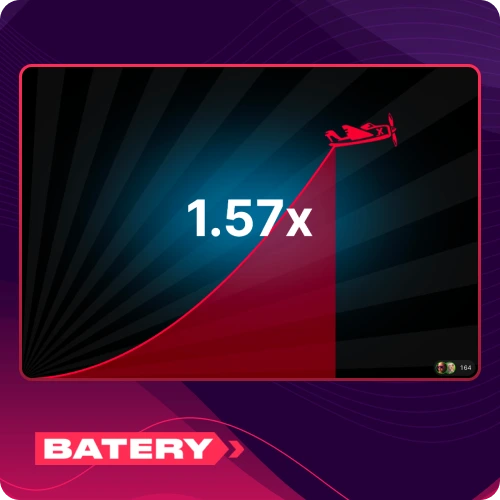
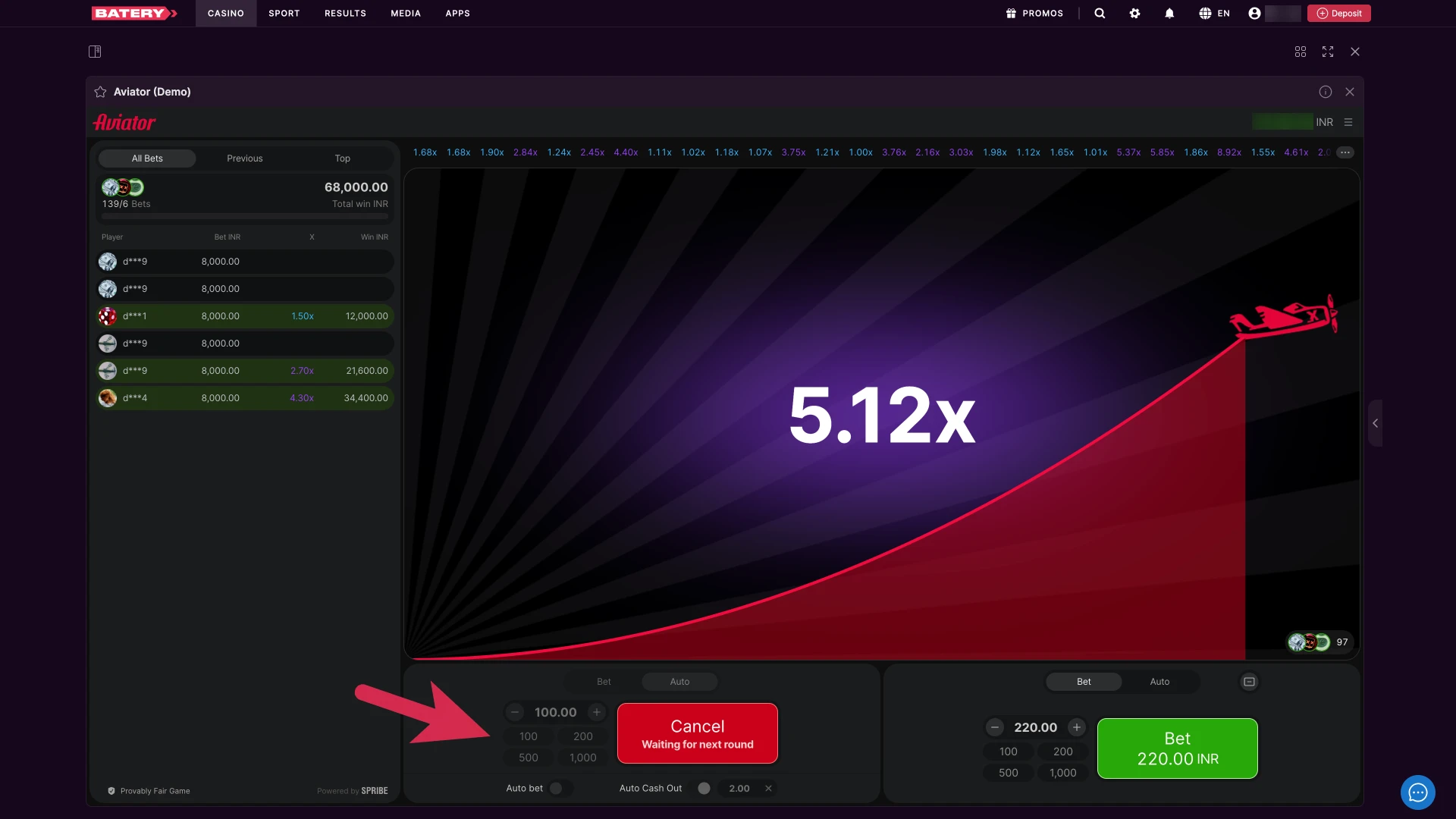
✈️ Multiplier Display
The centre of the screen shows an animated plane climbing alongside the current multiplier, updating in real time as the round progresses.

Aviator by Spribe is one of the most popular crash games in India, known for its simple rules, fast rounds, and 97% RTP. Place a bet before the round starts, watch the multiplier climb from 1x, and cash out before the plane flies away. Available on Batery India with bets starting from ₹10, dual-bet support, and a 100% welcome bonus up to ₹30,000 exclusively for Aviator.
| Game Developer: | Spribe |
| Type of Game: | Crash |
| RTP: | 97% |
| Min Bet: | ₹10 |
| Max Bet: | ₹1,00,000 |
| Demo Version: | Yes |
| Supported OS: | Android, iOS, Windows, macOS |
| Welcome Bonus: | 100% up to ₹30,000 |
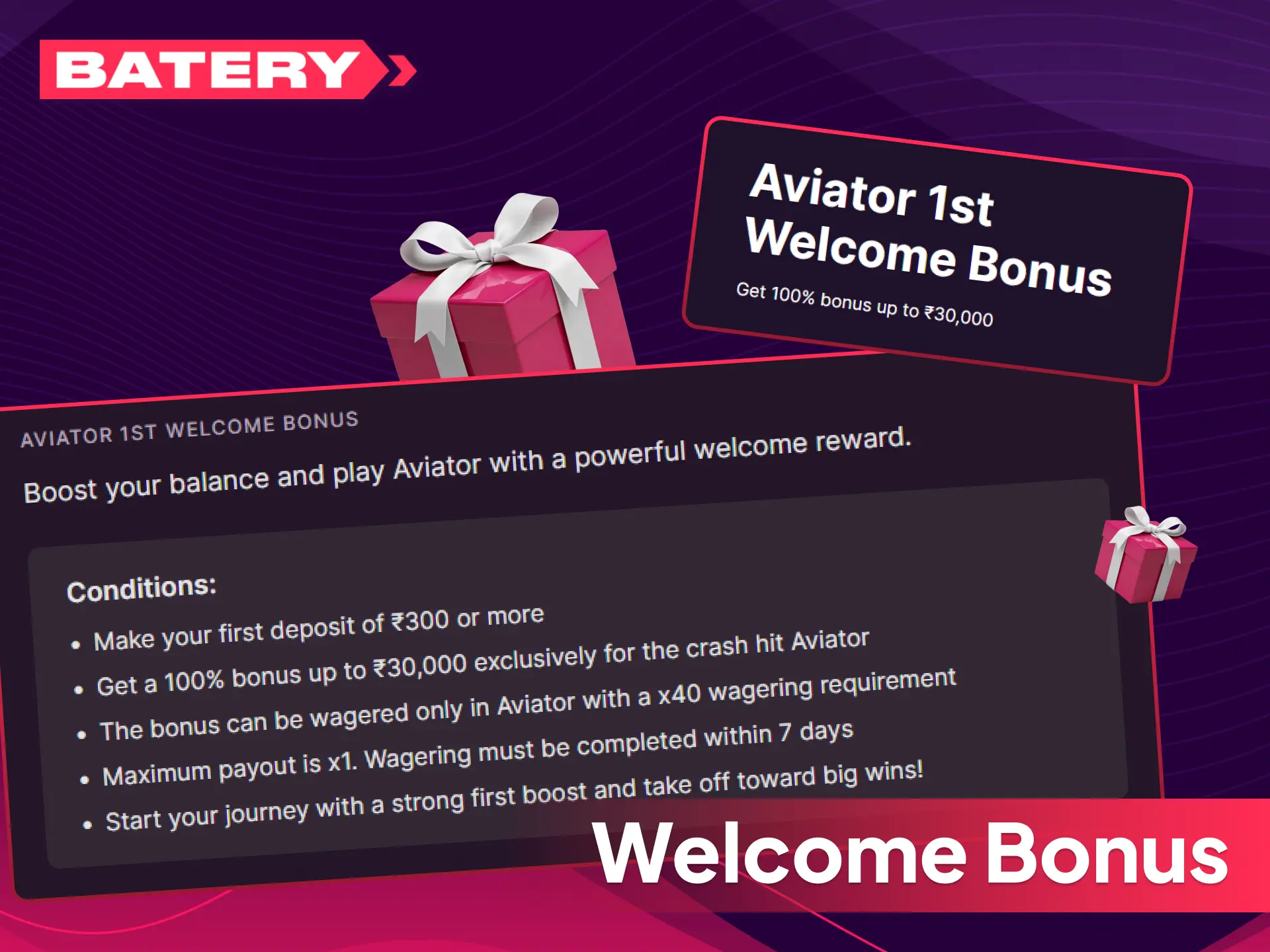
New casino players from India can claim a 100% bonus up to ₹30,000 exclusively for Aviator on their first deposit.
To activate the bonus, select Aviator as your batery deposit bonus option before confirming your first deposit.
The Aviator interface on Batery is designed to be simple and intuitive, regardless of the device you play on.
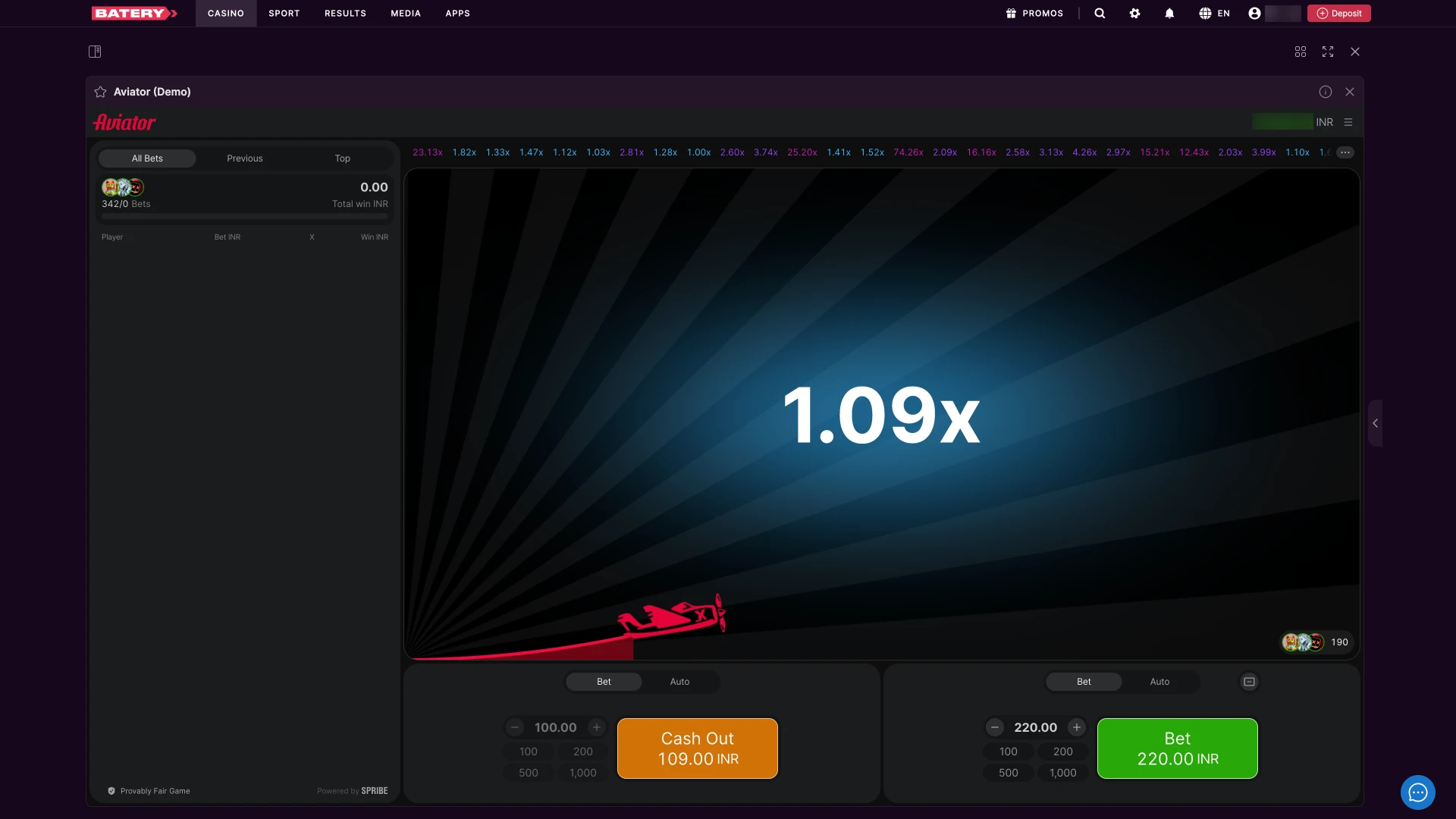
The centre of the screen shows an animated plane climbing alongside the current multiplier, updating in real time as the round progresses.
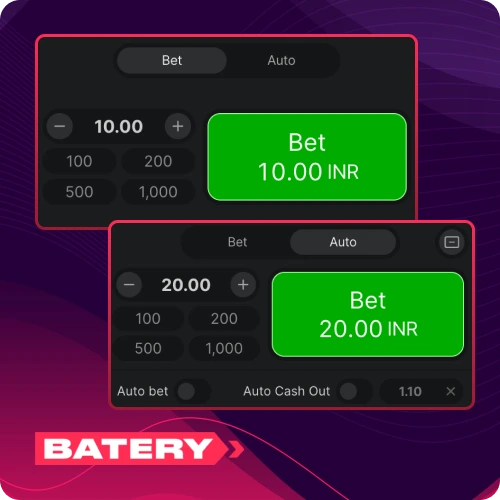
Set your stake amount using the plus and minus buttons or by typing it directly. The dual-bet panel lets you configure two separate bets with independent amounts and cash-out targets.
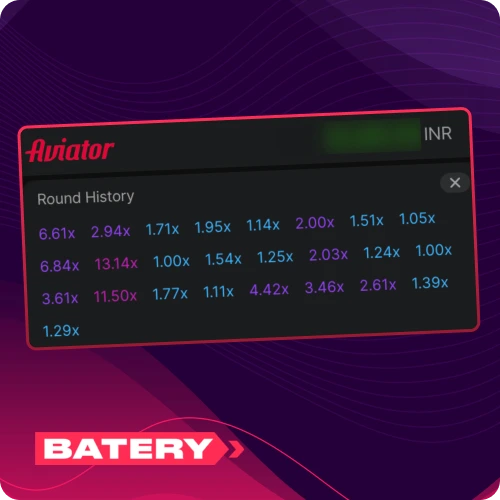
A strip of recent multiplier results is displayed above the bet panel, showing the outcome of previous rounds at a glance.
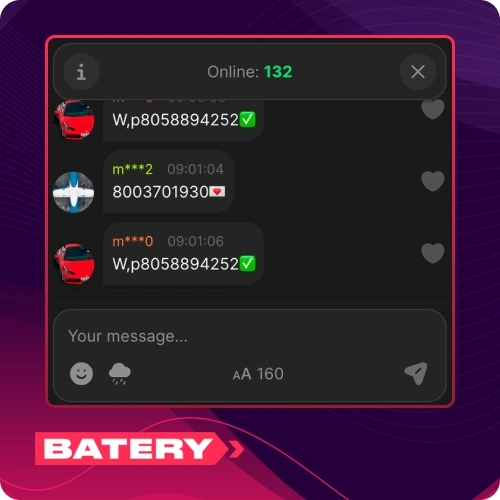
A chat window on the side of the screen lets you interact with other players currently in the round.
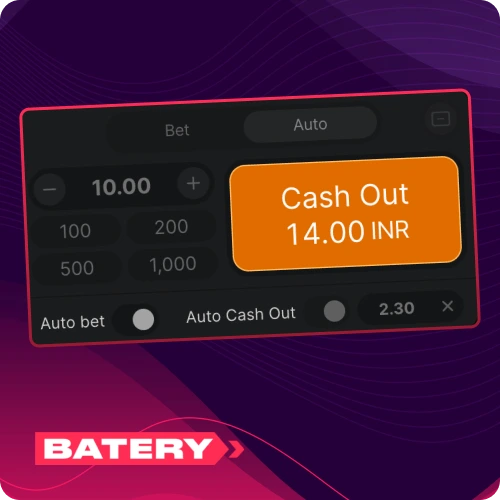
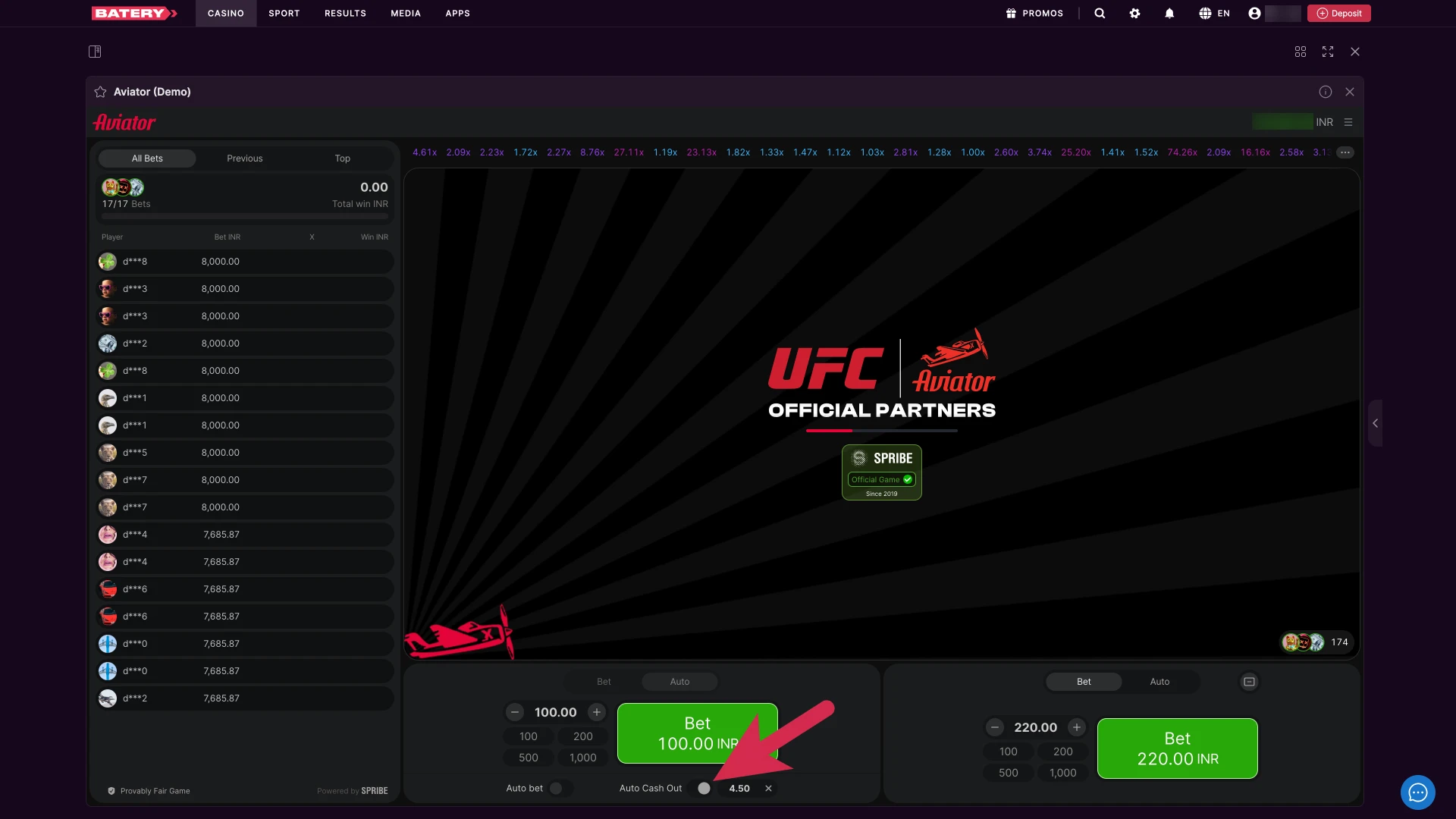
Set a fixed cash-out multiplier in advance and the system will automatically cash out your bet once that target is reached, removing the need for manual action each round.
Aviator is a crash game where a plane takes off and a multiplier climbs from 1x upward. Your goal is to cash out before the plane flies away. Follow these steps to place a bet and play a full round.
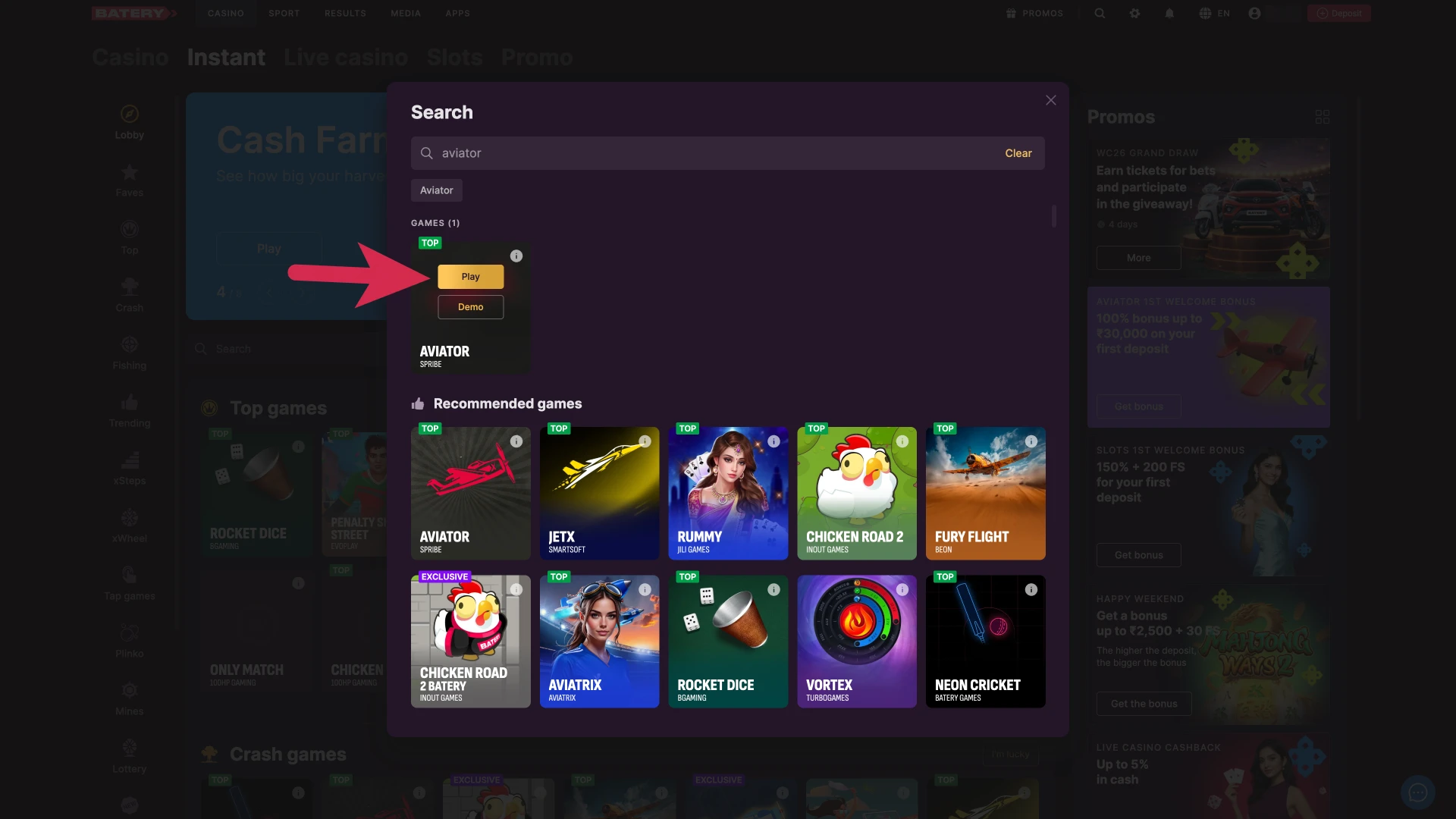
Log in to your Batery account, go to the Casino section, and tap Aviator to launch it.
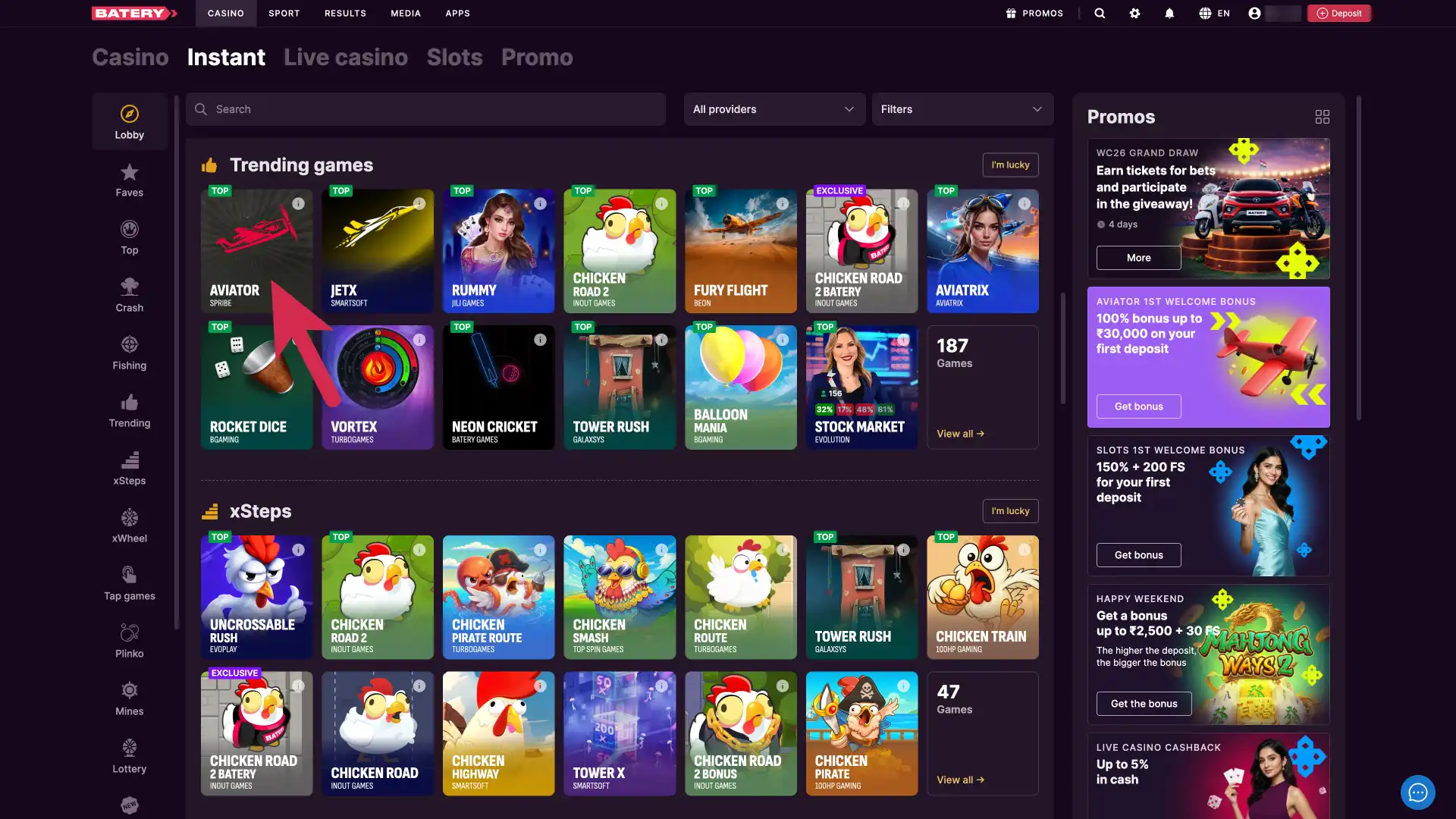
Select whether to play with your deposited balance or switch to demo mode to practice with virtual credits.
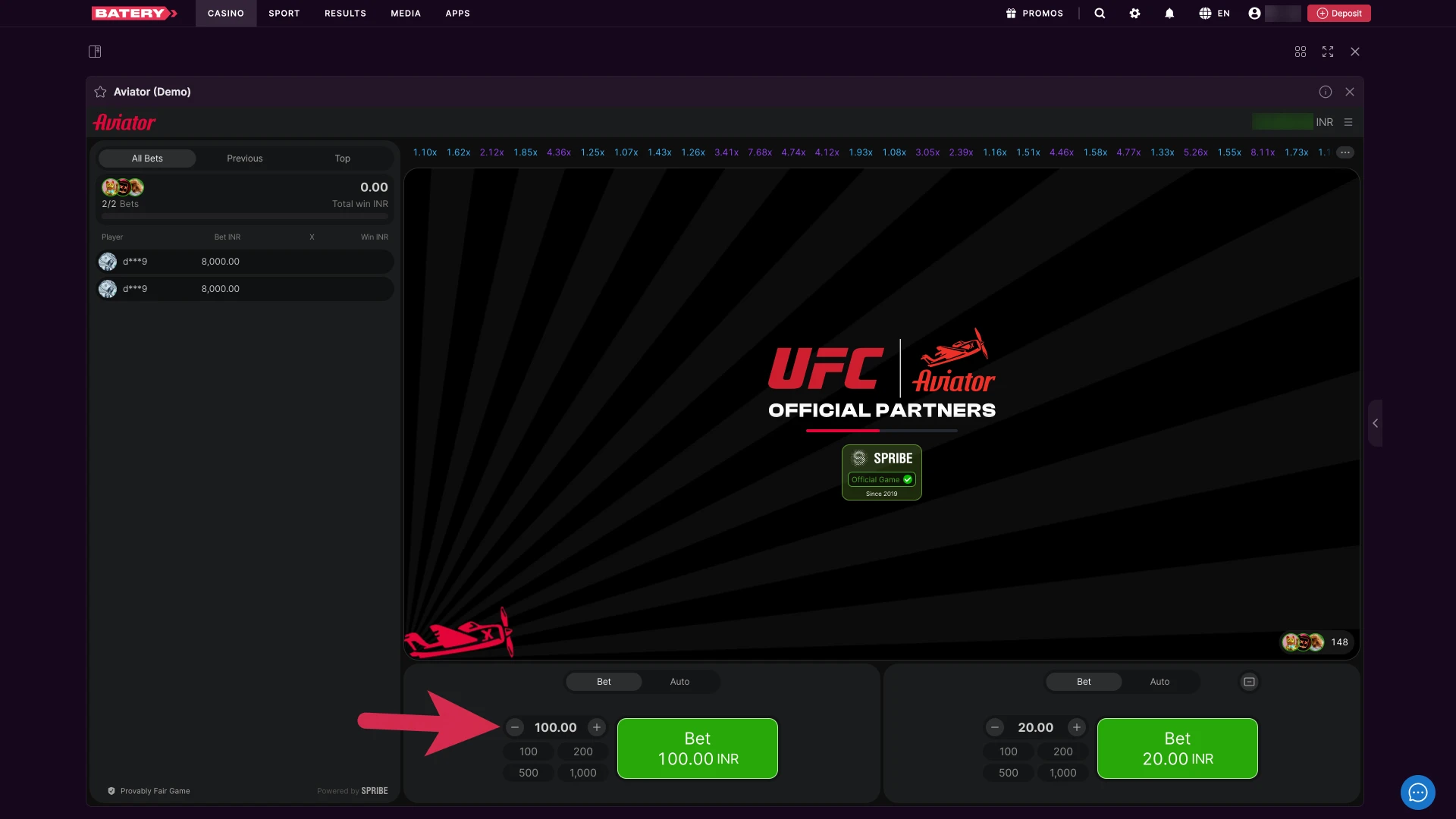
Enter your stake in the bet panel, minimum ₹10 and maximum ₹1,00,000.
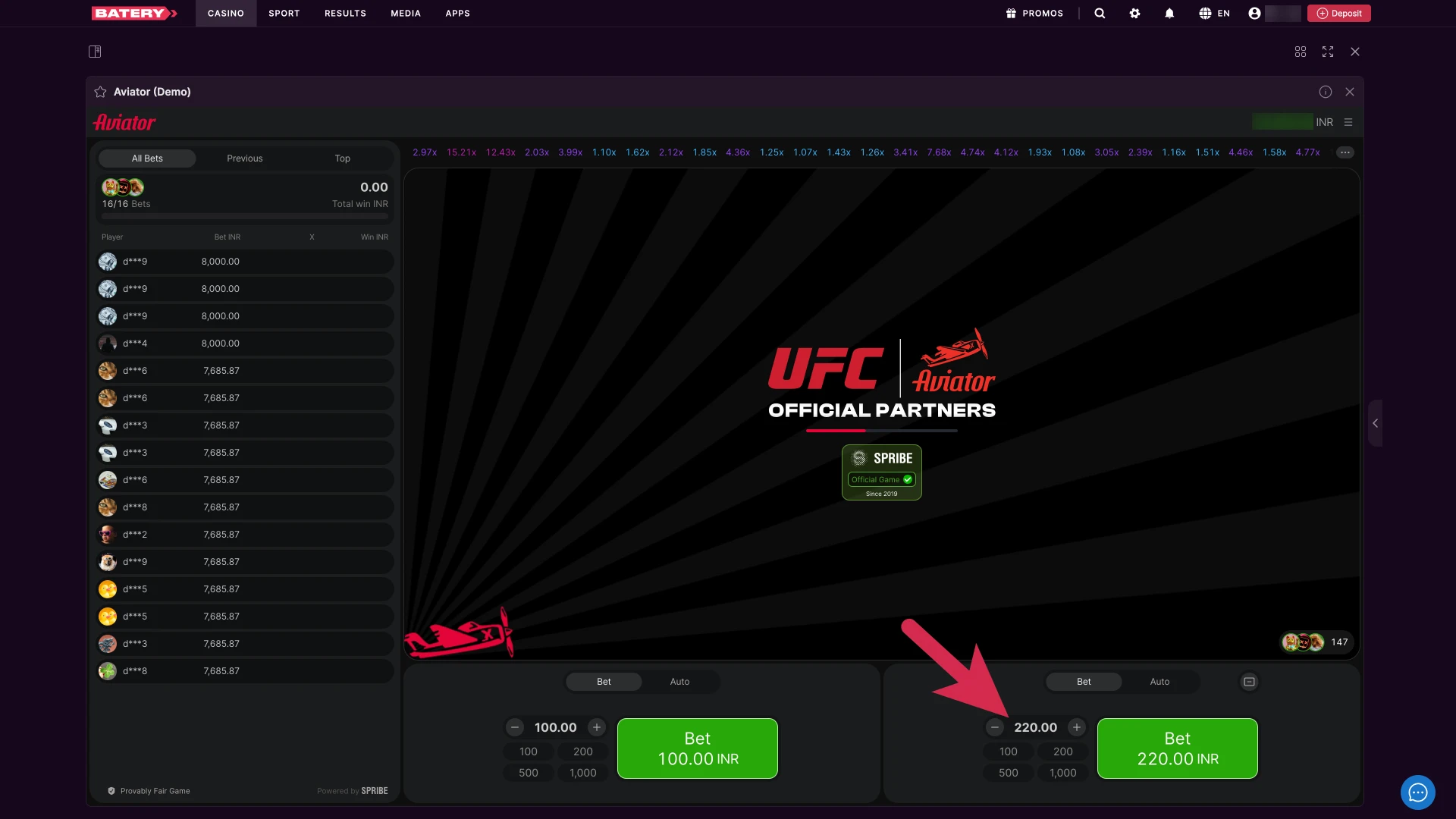
If you want to place two separate bets in the same round, enable the second panel and set its amount independently.
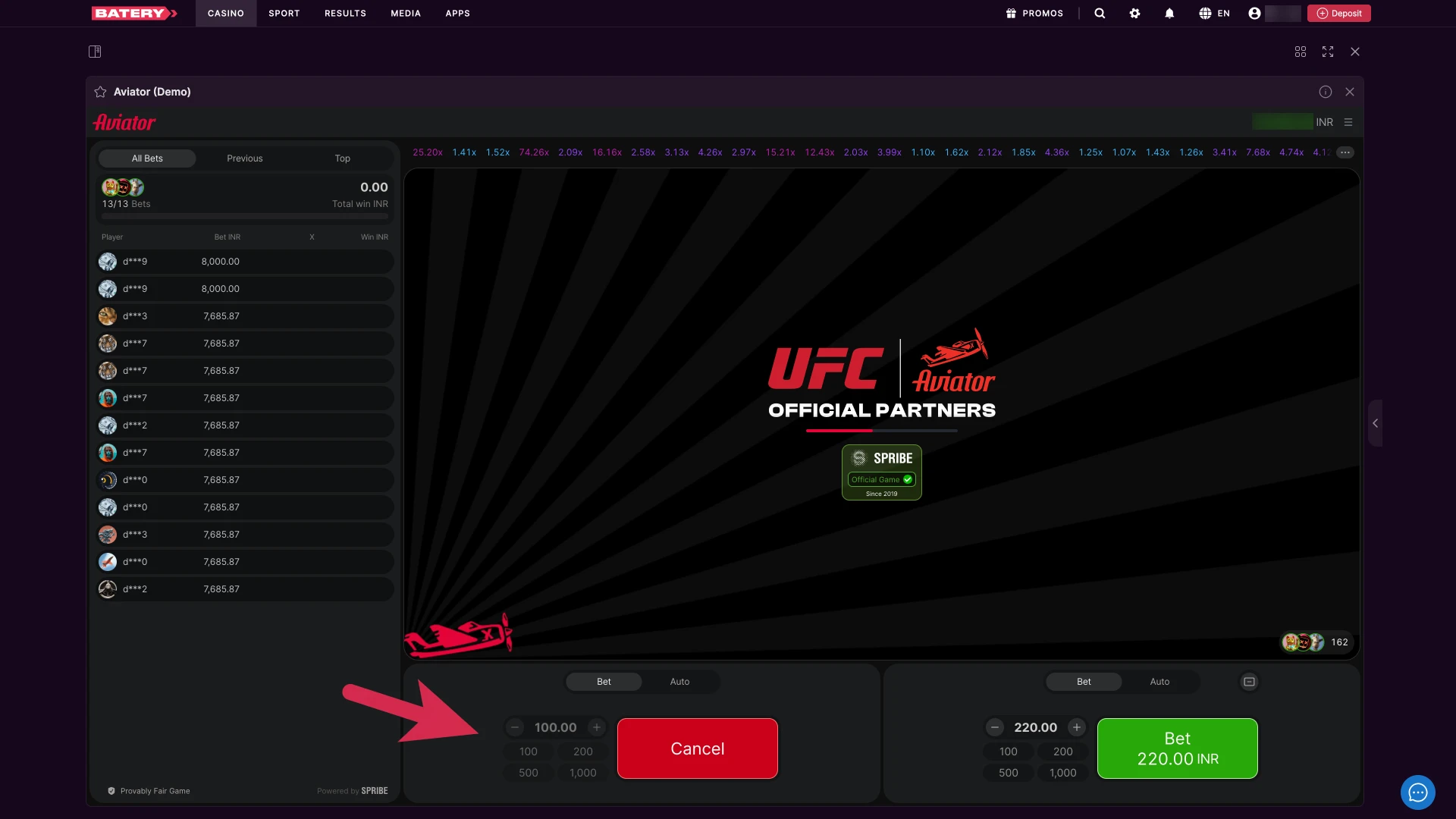
Tap the bet button while the betting window is open. Bets cannot be placed once the plane has taken off.
Once the round begins, the plane climbs and the multiplier increases continuously from 1x with no fixed pattern.
Before the round starts, you can set a target multiplier so your bet cashes out automatically once that value is reached.
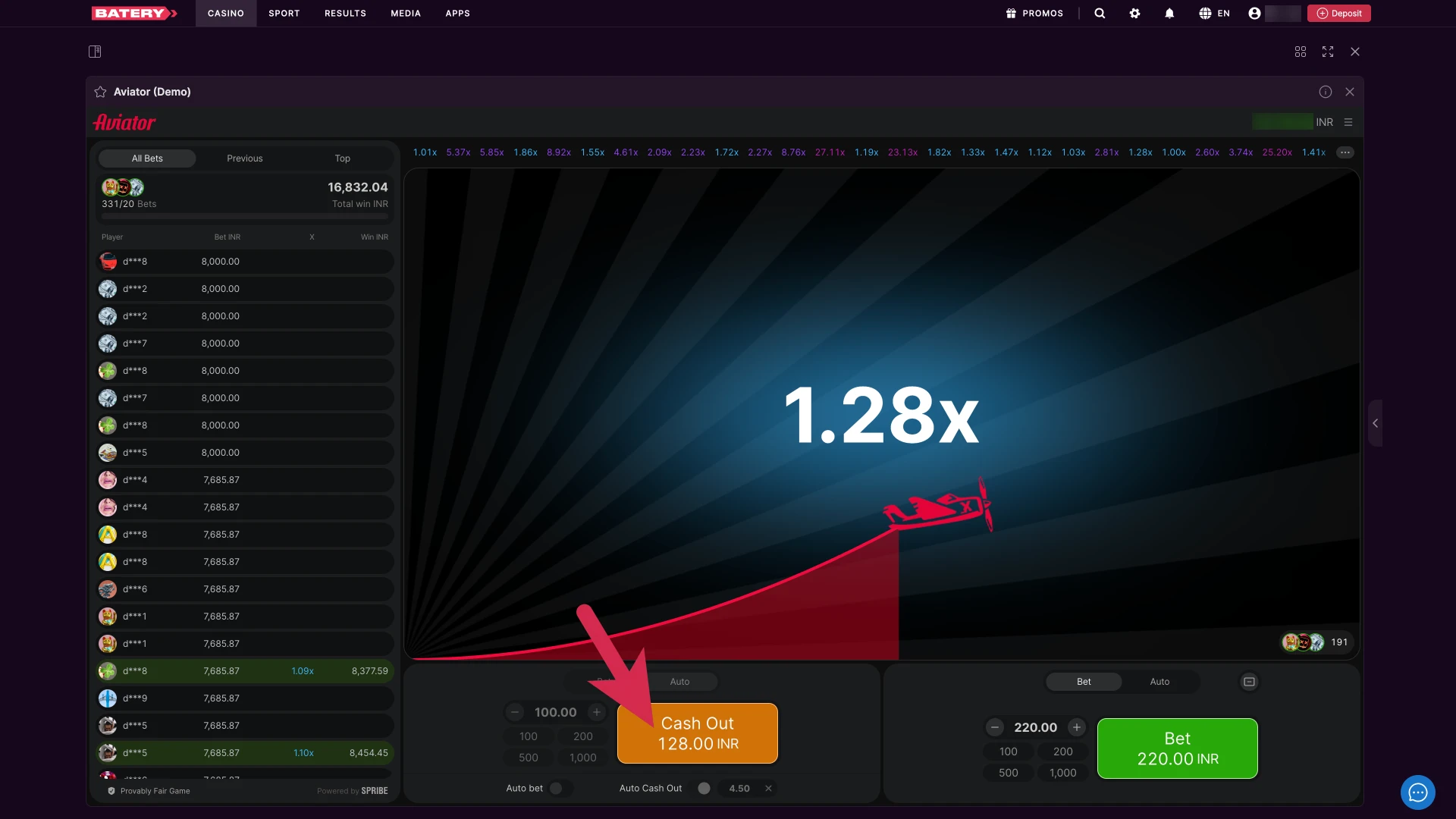
If you are not using auto cash-out, tap “Cash Out” at any point while the multiplier is rising to lock in your winnings at the current value.
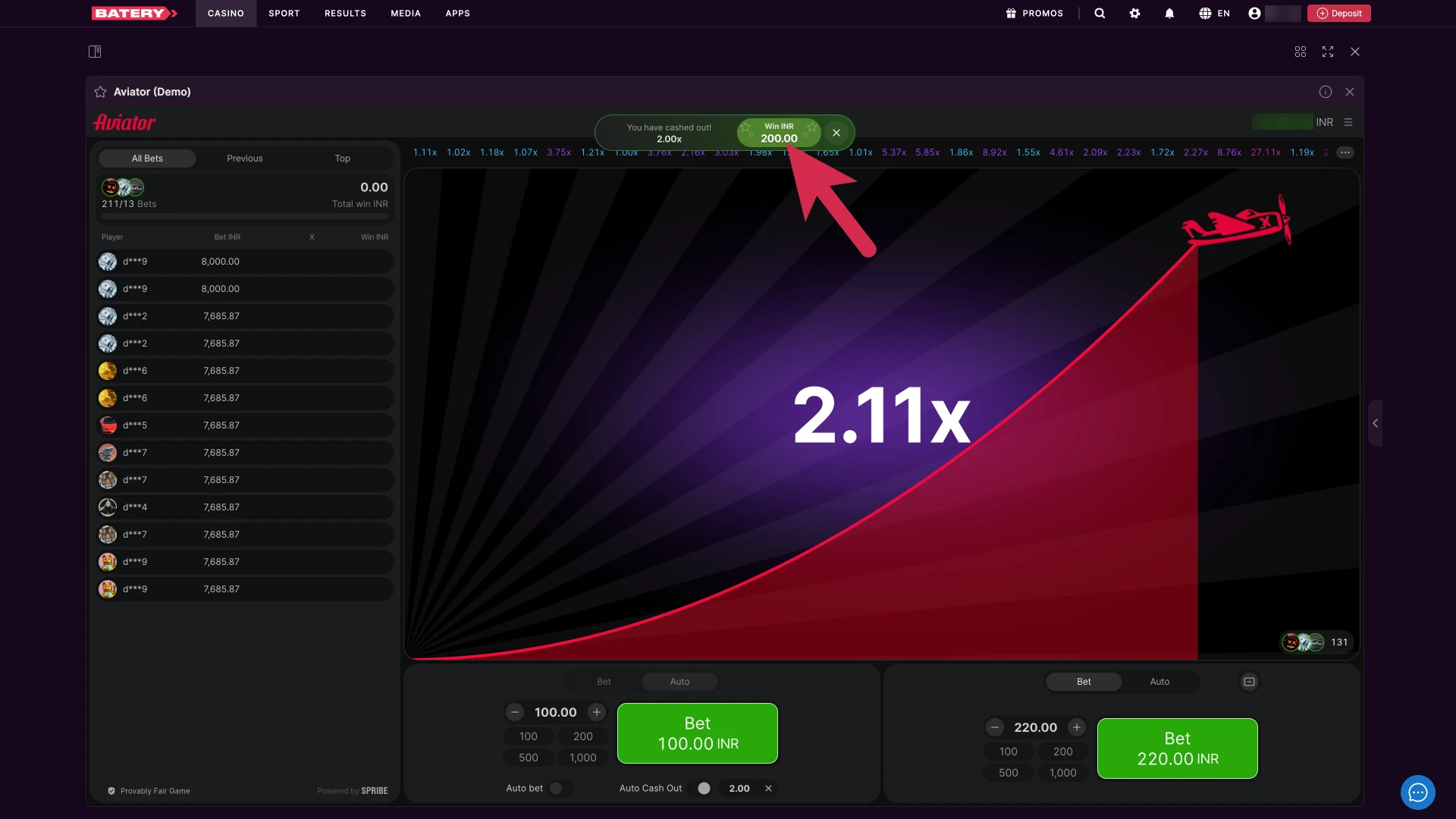
If you cashed out before the plane flew away, your winnings are credited instantly to your balance. If the plane flies away before you cash out, your bet for that round is lost.
Repeat the process for as many rounds as you like, adjusting your bet amount and cash-out strategy each time.
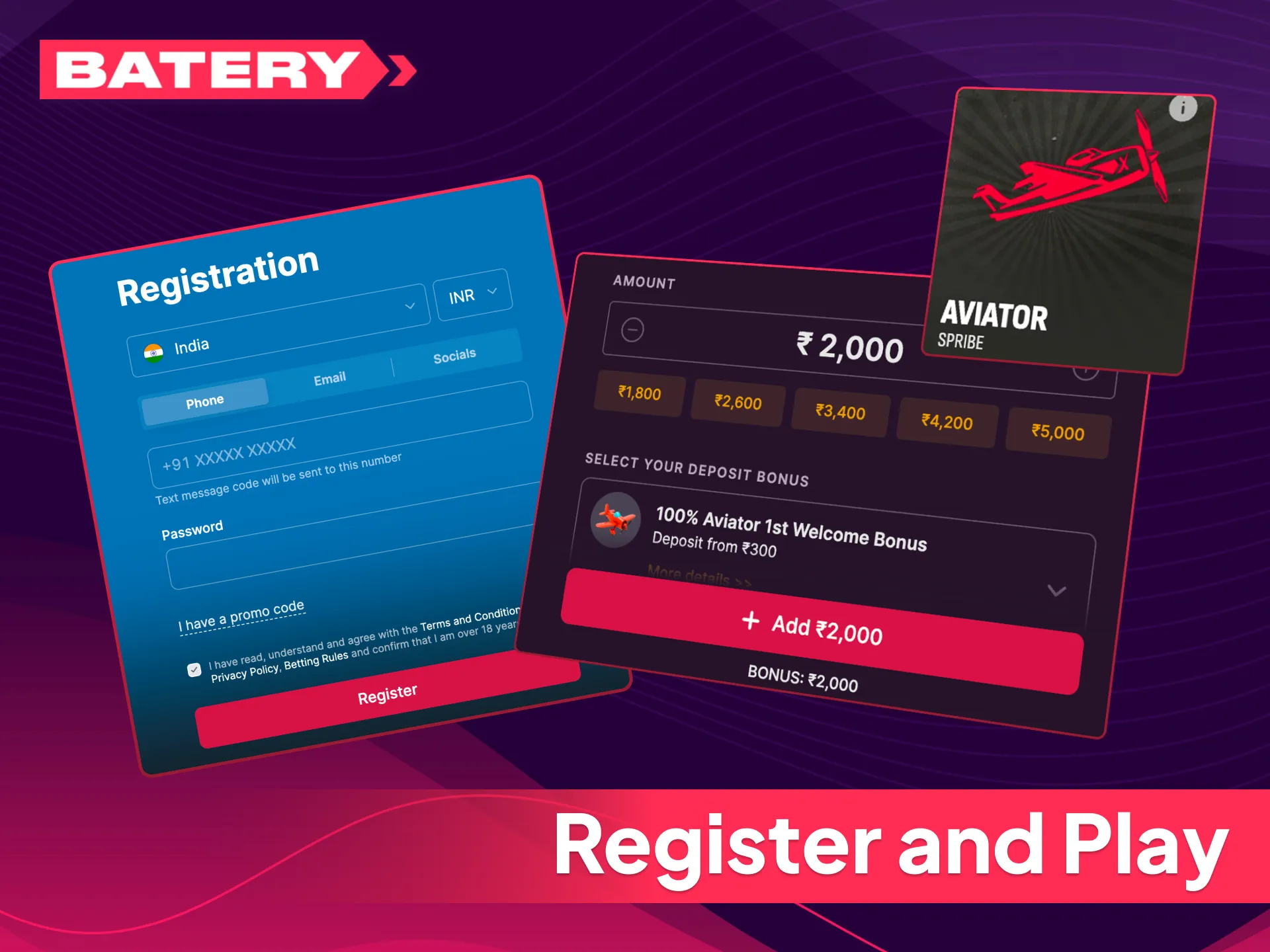
Getting started on Batery takes only a few minutes. Follow these steps to begin playing Aviator with real money.
Players who do not yet have an account can complete batery aviator registration directly from this page in under two minutes.
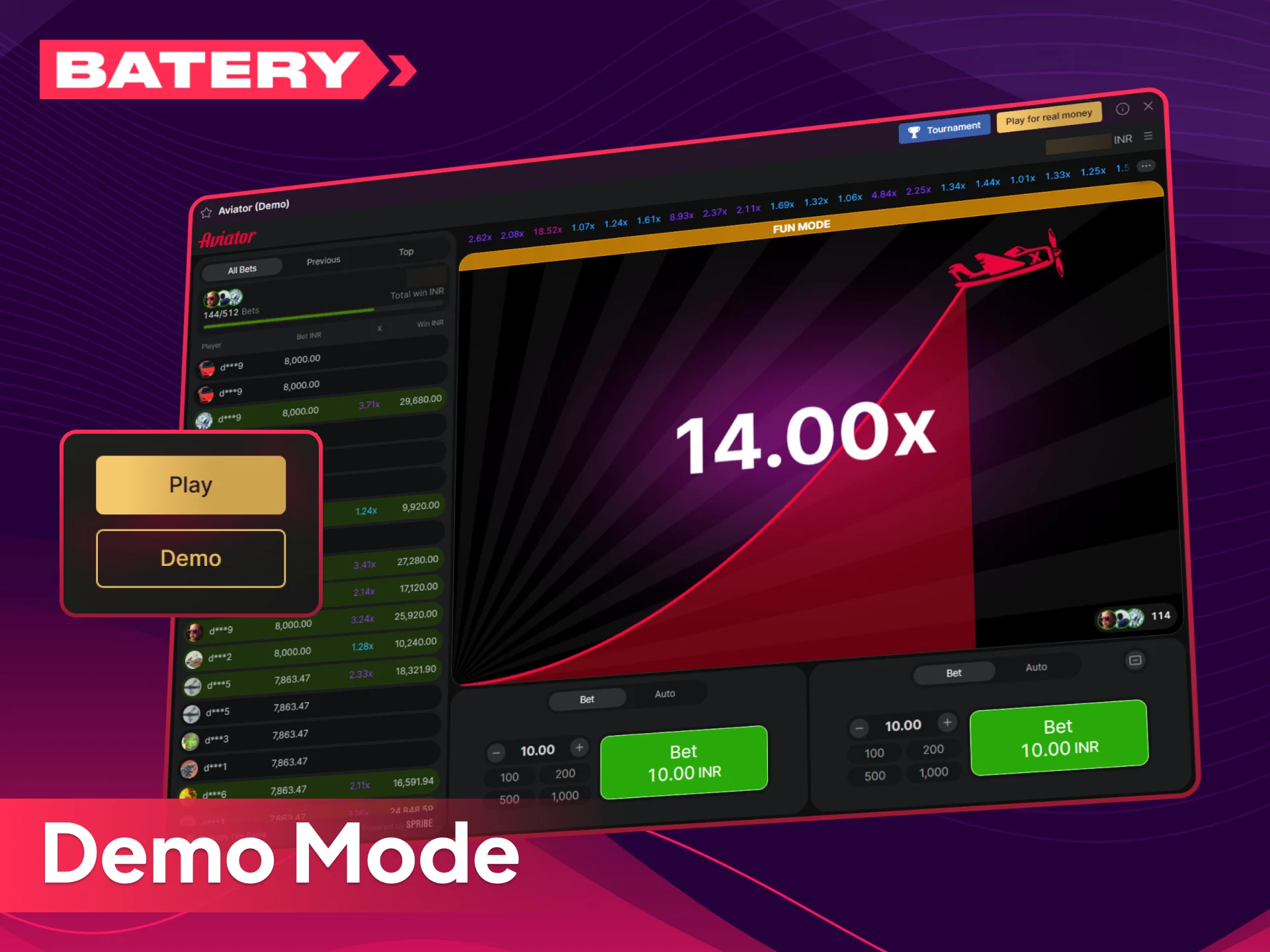
Batery offers a demo version of Aviator so you can explore the game at no cost. Demo mode uses virtual credits and includes all the same features as the real-money version — the multiplier mechanic, dual-bet panel, and live statistics. The only difference is that winnings in demo mode cannot be withdrawn.
Demo mode is the ideal way to understand round timing and practise your cash-out decisions before committing real money. Switch to real-money mode at any time by making a deposit from ₹300 via UPI, PhonePe, or GPay.
If you are comparing platforms for the Aviator game, the list below covers what sets Batery apart. These are concrete advantages you will notice from your first session.
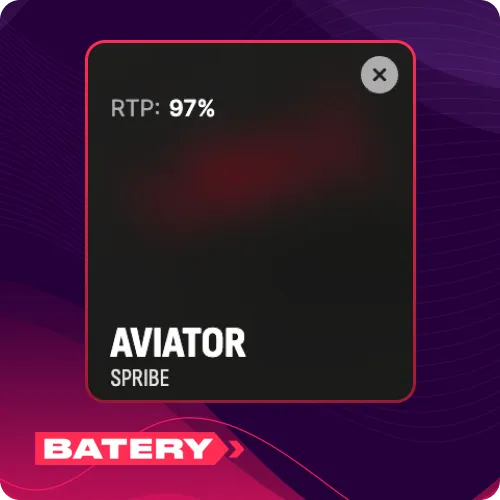
A high return rate keeps more of your balance in play across sessions compared to many other casino games.
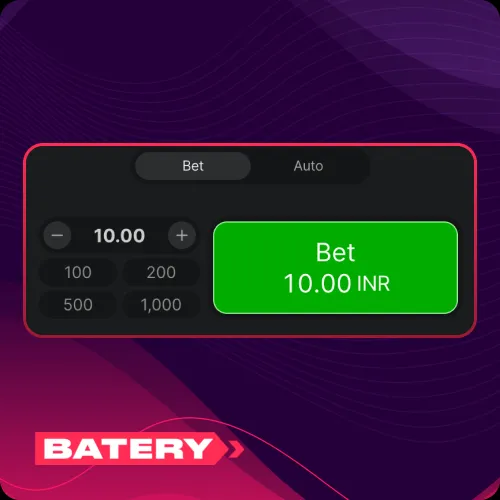
Place bets from ₹10, with dual-bet support letting you run two separate wagers per round.
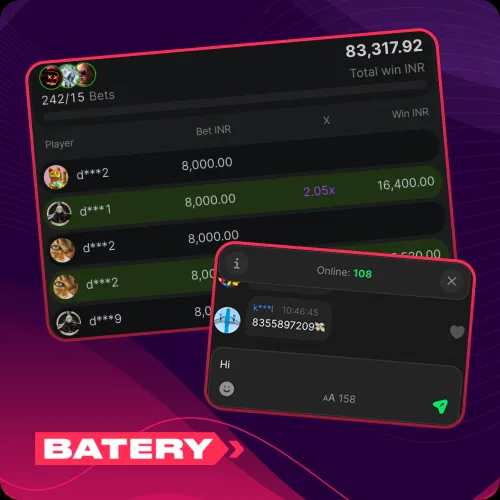
Track active multipliers and previous round history in real time, with a live chat to interact with other players.
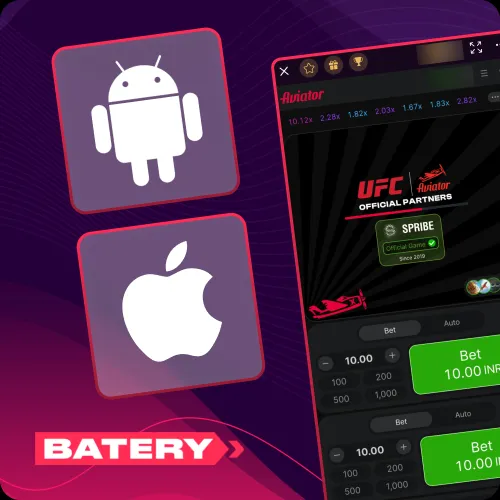
Play on Android, iOS, or desktop without losing any core functionality or game features.
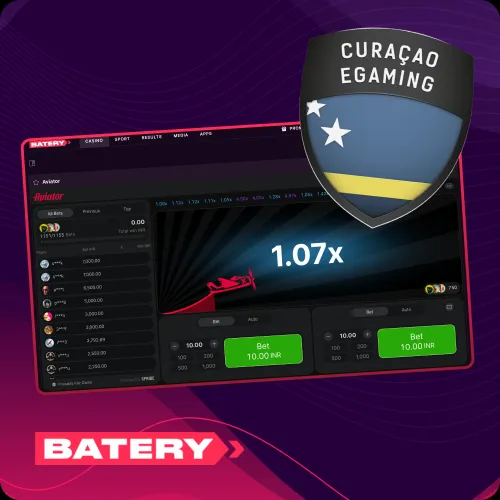
Batery operates under Curacao Gaming Authority licence OGL/2024/107/0914, so your deposits and withdrawals are protected.
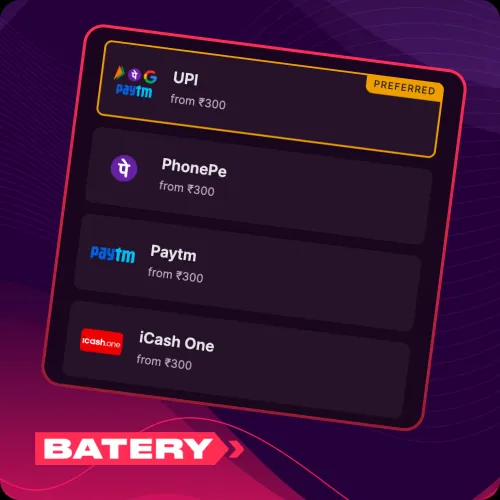
UPI, PhonePe, GPay, and IMPS are all available for fast, fee-free transactions in INR.
Playing Aviator should remain a form of entertainment. Here are practical steps to help keep it that way.
If gambling stops feeling like entertainment and starts causing financial or emotional harm, stop immediately and seek support from iCall (India: 9152987821) or a qualified mental health professional.
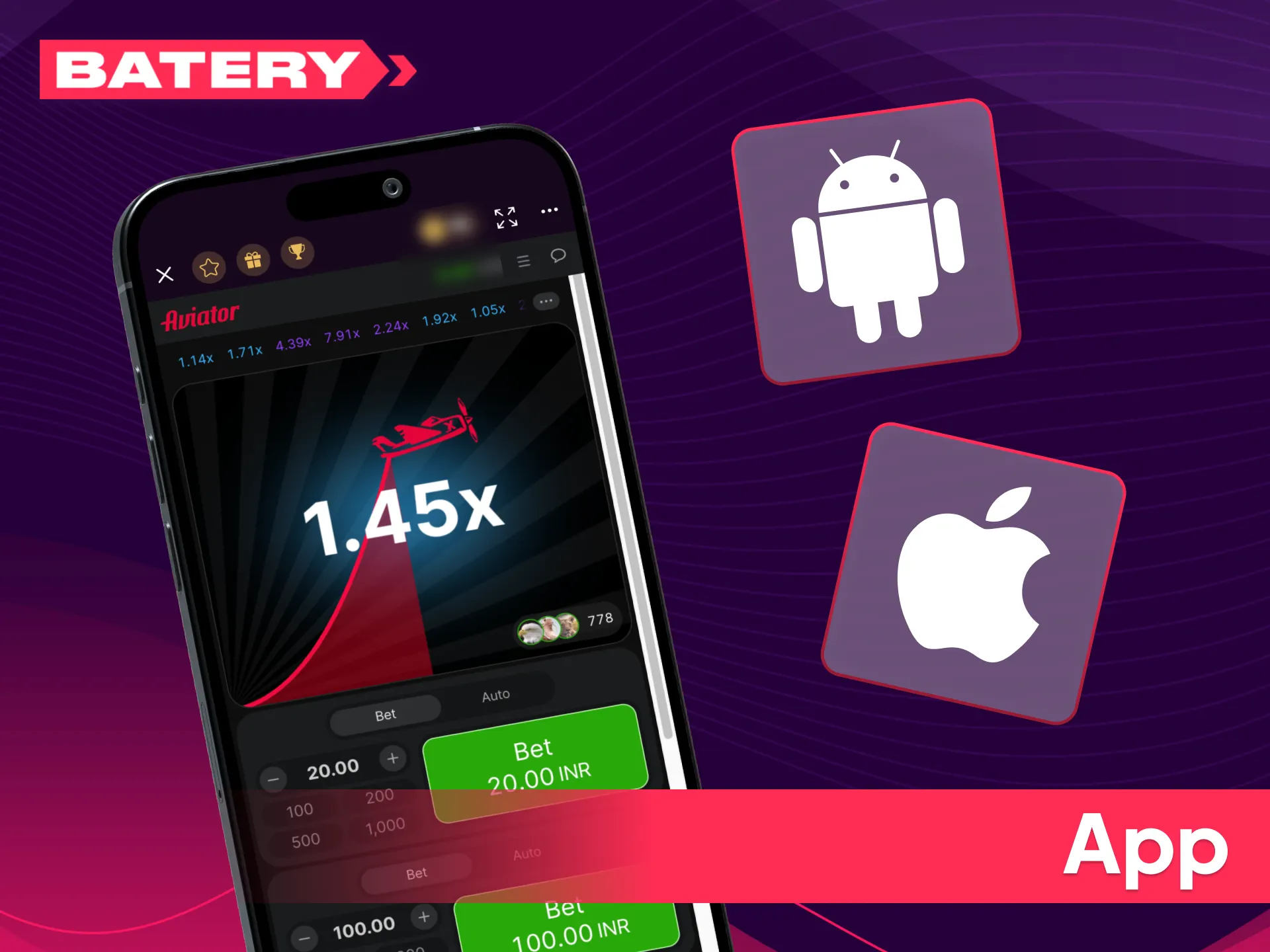
The batery mobile app gives Indian players full access to Aviator from any Android or iOS device, with the same RTP, multiplier mechanics, and dual-bet panel as the desktop version.
The app supports push notifications for promotions and maintains live statistics and chat functionality identical to the website version.
Fund your Aviator balance instantly using trusted Indian payment methods. All deposits are processed in INR with zero fees.
| Method | Min Deposit | Min Withdrawal | Processing |
|---|---|---|---|
| UPI | ₹300 | ₹500 | Instant |
| PhonePe | ₹300 | ₹500 | Instant |
| GPay | ₹300 | ₹500 | Instant |
| IMPS | ₹300 | ₹500 | Instant |
| Astropay | ₹300 | ₹500 | Up to 48 hours |
| USDT TRC20 | ₹300 | ₹500 | Up to 15 min |
Winnings from Aviator can be withdrawn using the same method once any active bonus wagering requirements have been met.
Aviator has a 97% RTP, one of the highest among casino games available on Batery.
The minimum bet is ₹10 and the maximum bet is ₹1,00,000 per round.
Yes. Aviator is available in demo mode using virtual credits. Demo winnings cannot be withdrawn — switch to real-money mode by making a deposit to play for actual winnings.
New players receive a 100% bonus up to ₹30,000 exclusively for Aviator on their first deposit of ₹300 or more. Wagering requirement is x40 within 7 days.
Yes. Aviator uses Provably Fair technology developed by Spribe, allowing players to verify the fairness of each round’s outcome independently.
Yes. Aviator is fully available on the Batery Android APK and iOS PWA with the same RTP, multiplier mechanics, and dual-bet panel as the website version.
Tap the “Cash Out” button at any point while the multiplier is rising to lock in your winnings based on the current multiplier value before the plane flies away.
If the plane flies away before you cash out, your bet for that round is lost. A new round begins immediately after.
Updated:
Comments